Getting started
Platforms and styles
Chatimator recreates three chat platforms, each drawn pixel-faithfully — status bars, bubble tails, ticks, receipts and typing indicators included.
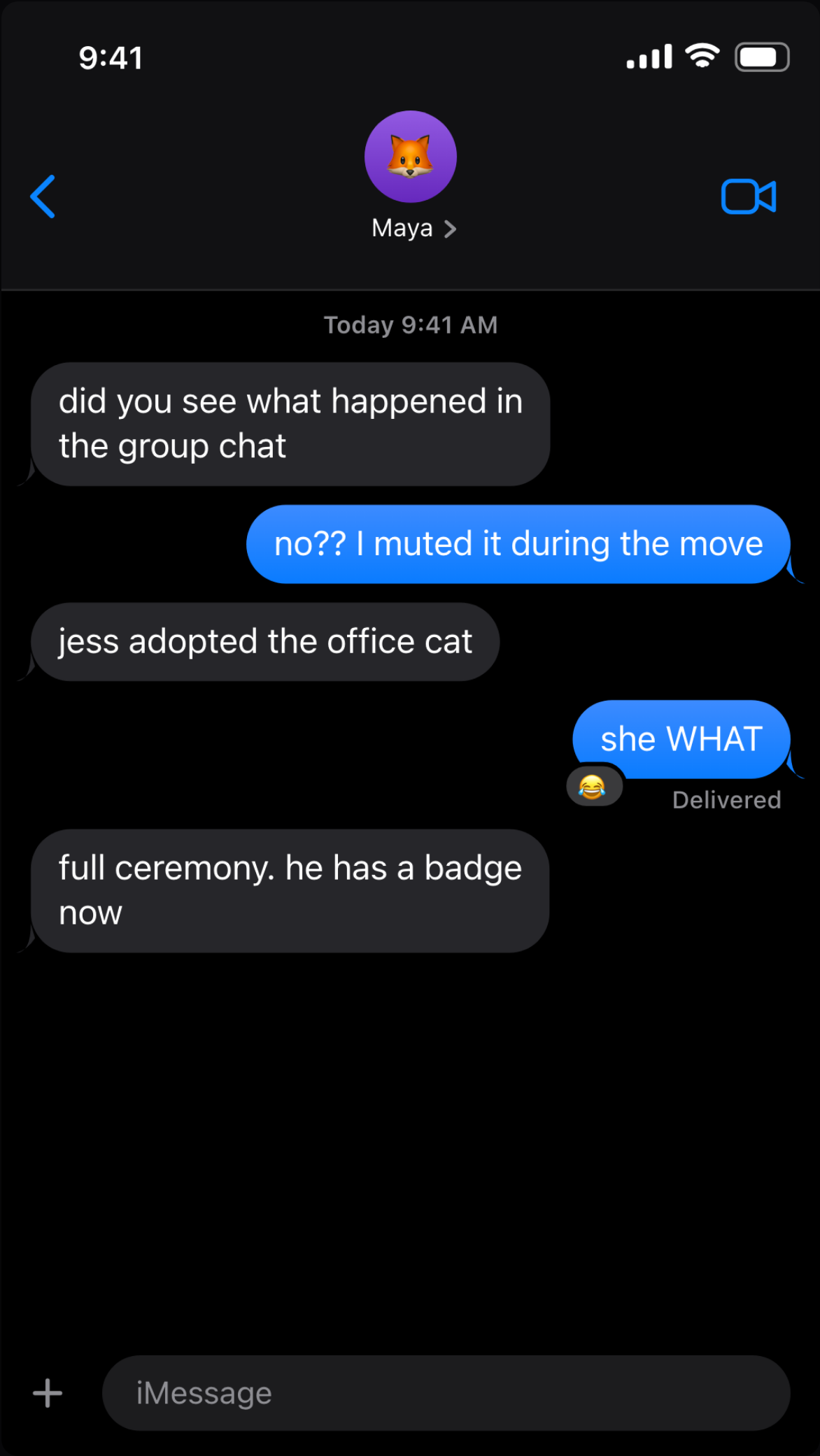
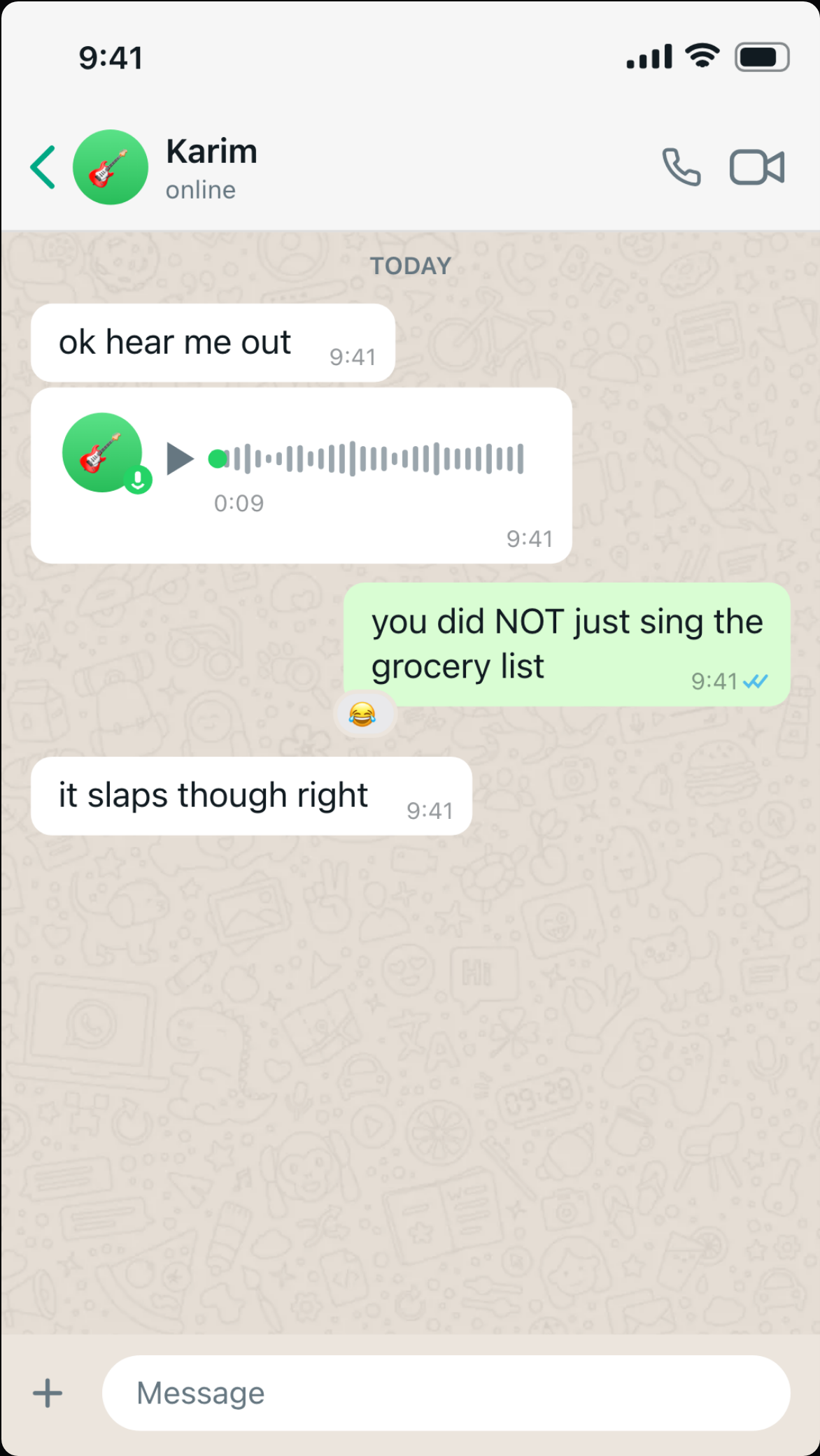
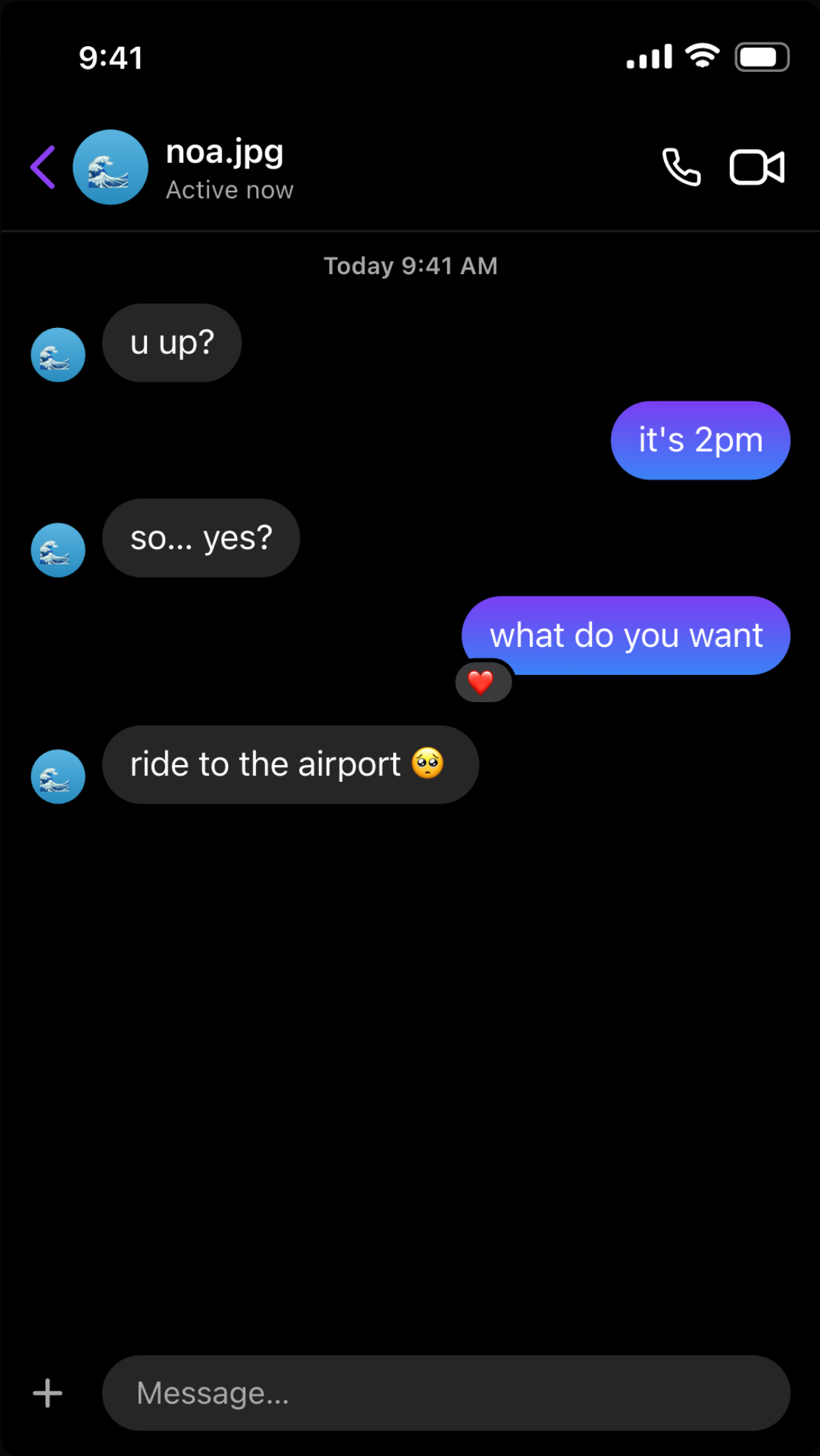
iMessage
Blue and gray bubbles with the iOS status bar, "Delivered" receipts, emoji-only large rendering and tapback-style reactions. Available in iOS light and dark appearance.
Green outgoing bubbles, double blue ticks, per-message in-bubble timestamps and the doodle wallpaper. One click switches the chrome between iPhone and Android styling — the status bar, back arrow and typeface all follow.
Instagram DM
Gradient outgoing bubbles, round avatars and the "Active now" header — Instagram Direct in light or dark mode.
Lock screen (notifications) — Pro
Not a chat: an iOS lock screen — padlock, date, big clock, flashlight and camera buttons — where every entry in your script is one notification card. Each card has an app (Phone, Messages, chat app, DM app, Bank, Mail, or a custom app with your own icon), a sender from your Senders list, a title, the text, and a relative time like "15m ago" in any language. Cards drop in one by one with the alert tone; the stack scrolls up when it outgrows the screen. Set the date line and upload a wallpaper in the style panel, or hit Load example to start from the classic "salary lands, boss panics" stack. The lock-screen style is part of Chatimator Pro; the three chat platforms above are available on the free plan.
Switching platform
Pick the platform in the editor's Chat style panel. Your conversation carries over — messages, media and reactions re-render in the new platform's design, so you can compare looks without rewriting anything.
Light or dark?
Dark mode tends to perform better in feeds because it blends with the app chrome around it, but both are fully supported on every platform. Match whatever your story implies: a late-night conversation reads more believable in dark mode.