Exporting
Export settings and formats
Aspect ratios
One click switches the composition between three formats:
- 9:16 (vertical) — TikTok, Instagram Reels, YouTube Shorts. The default, and what the format was made for.
- 1:1 (square) — feed posts and previews.
- 16:9 (landscape) — YouTube videos and story compilations.
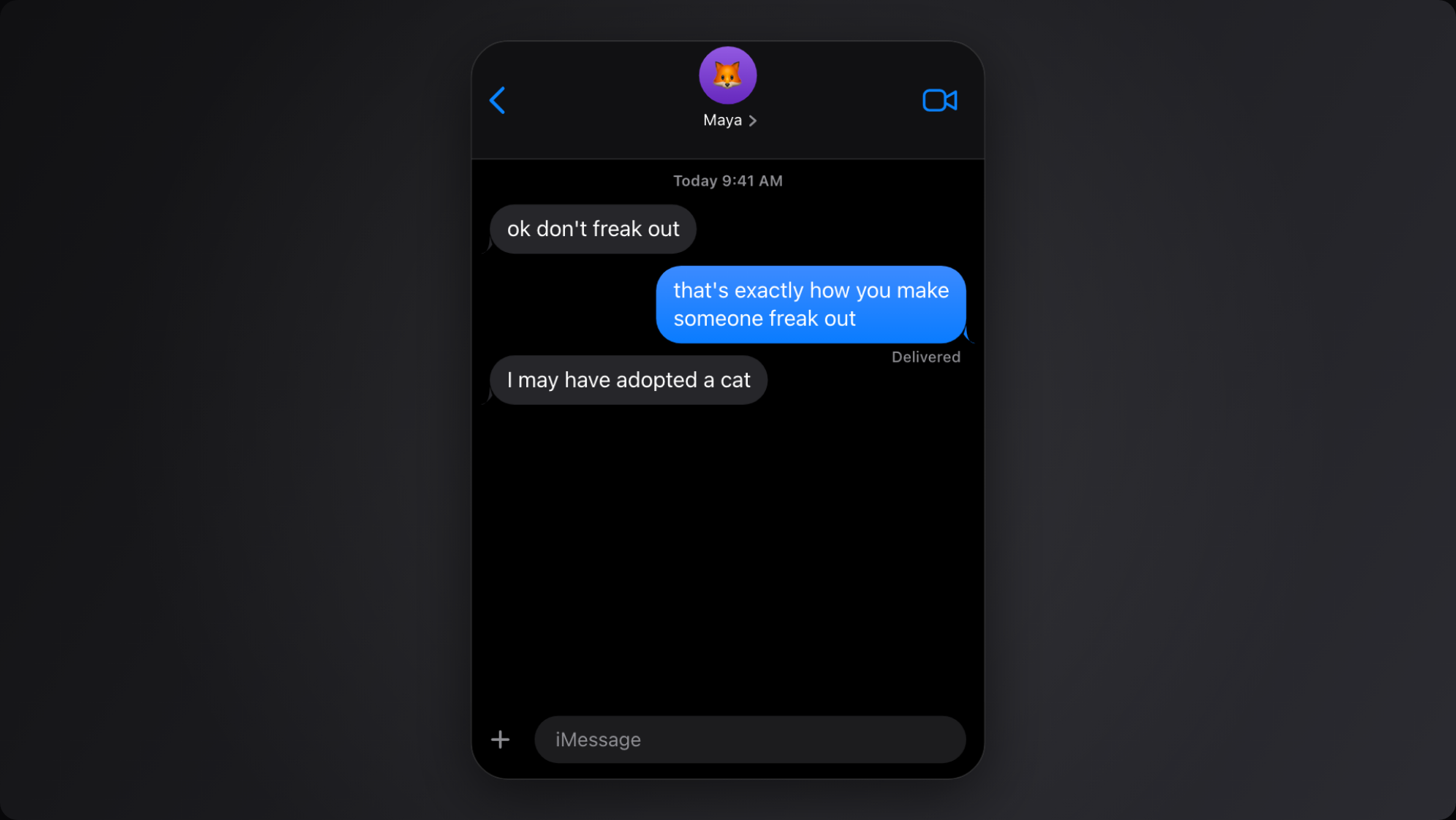
The phone sits on a customizable backdrop, so the video fills the frame in every format.
Resolution, frame rate and watermark
Free-plan exports render at 720p and carry a small watermark. Pro exports render at 1080p and 60fps with no watermark — the high frame rate is what makes bubble springs and scroll feel like a real screen recording rather than a slideshow.
Device frames
The free plan renders the chat in an iPhone SE frame. Pro unlocks every device frame: iPhone 15/16 Pro & Pro Max, iPhone 13/14, Pixel 8/9 and Galaxy S24.
Audio
Message send/receive tones — and keyboard clicks, if keyboard mode is on — are mixed into the MP4's audio track at the exact frame each event happens. No syncing in an editor afterwards.
PNG screenshots
Need a still instead of a video? Export a PNG of the conversation in one click — same pixel-faithful rendering.
Where the file goes
The MP4 downloads through your browser like any other file. Nothing is uploaded anywhere in the process — rendering happens entirely on your device.