Messages & styling
Photos, voice notes, reactions and replies
Conversations are more believable with more than text. Every message type below animates in the preview and renders in the export.
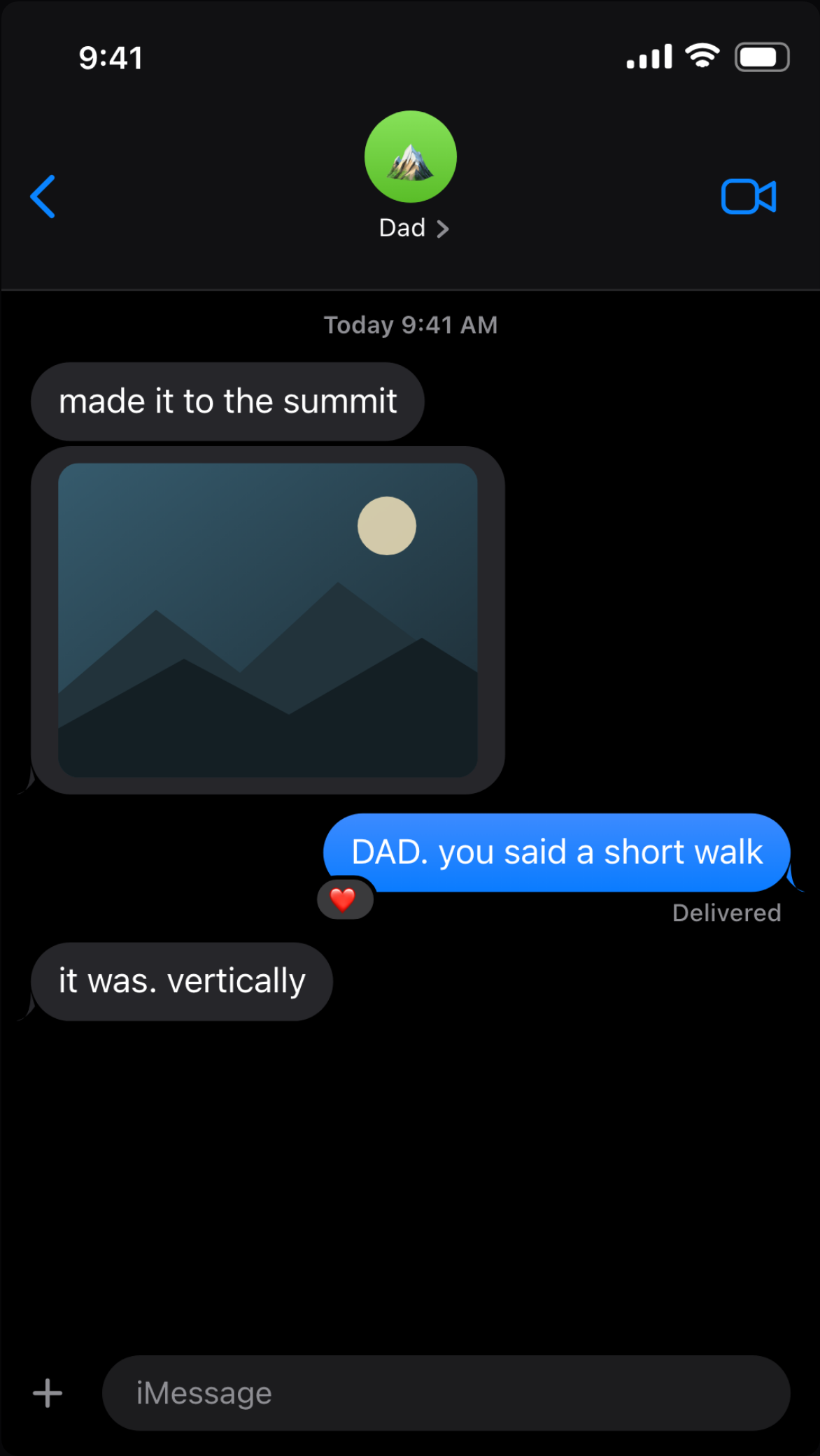
Photo and video bubbles
Attach an image or a video clip to any message and it renders as a media bubble in the platform's real style. Media never leaves your device — like everything else, it's rendered locally.
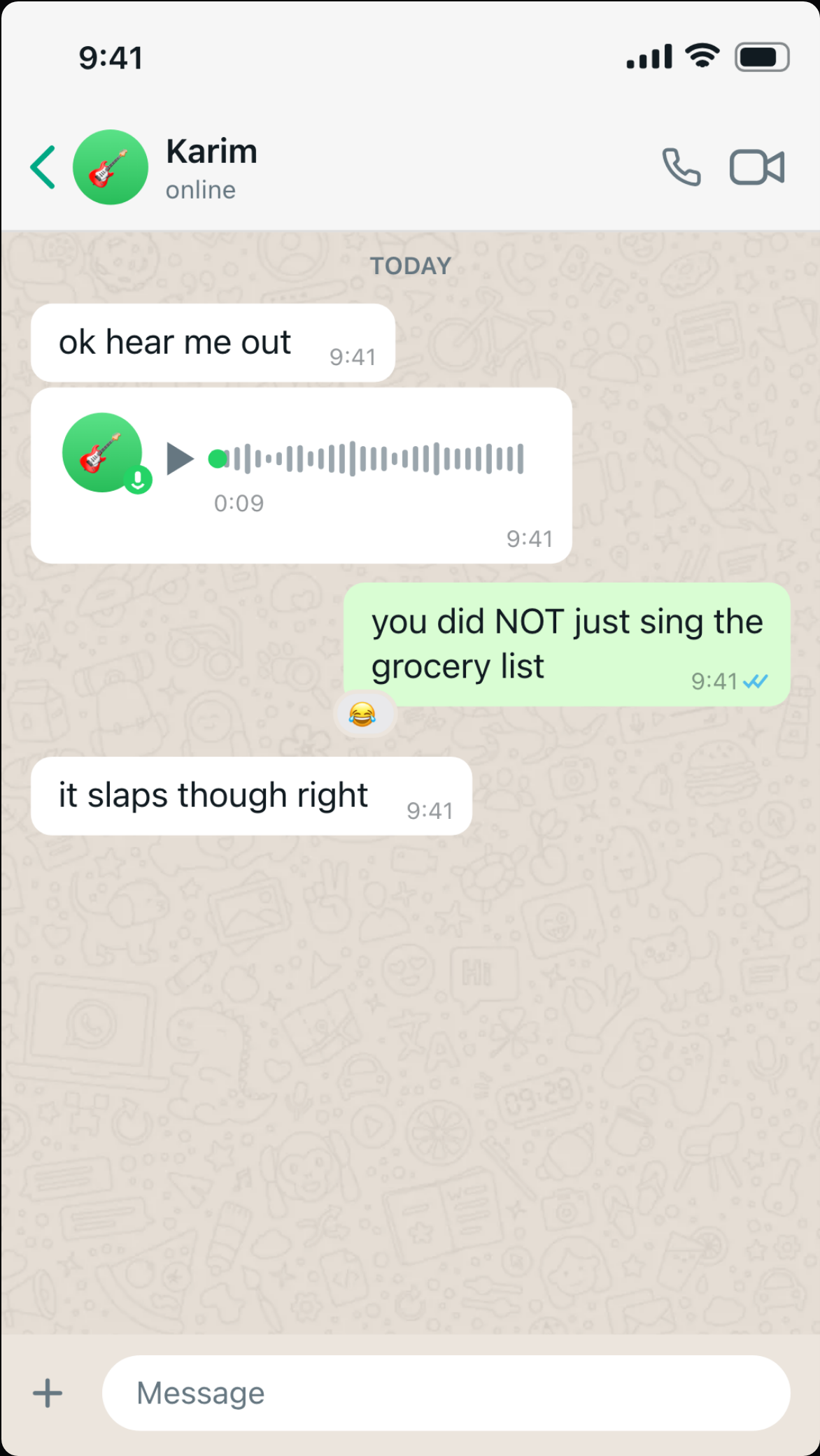
Voice notes
Add a voice message and it renders with the platform's exact anatomy: avatar with mic badge, waveform with a progress dot, and a duration label. Set the duration to match your story's pacing.
Emoji reactions
React to any bubble and it renders platform-correctly — tapback bubbles on iMessage, floating emoji on WhatsApp and Instagram. Reactions pop in after the message lands, like the real thing.
Quoted replies
Make any message a reply to an earlier one and the quoted preview renders above the bubble. Useful for callbacks — the punchline that quotes message #2 at the end of the video.
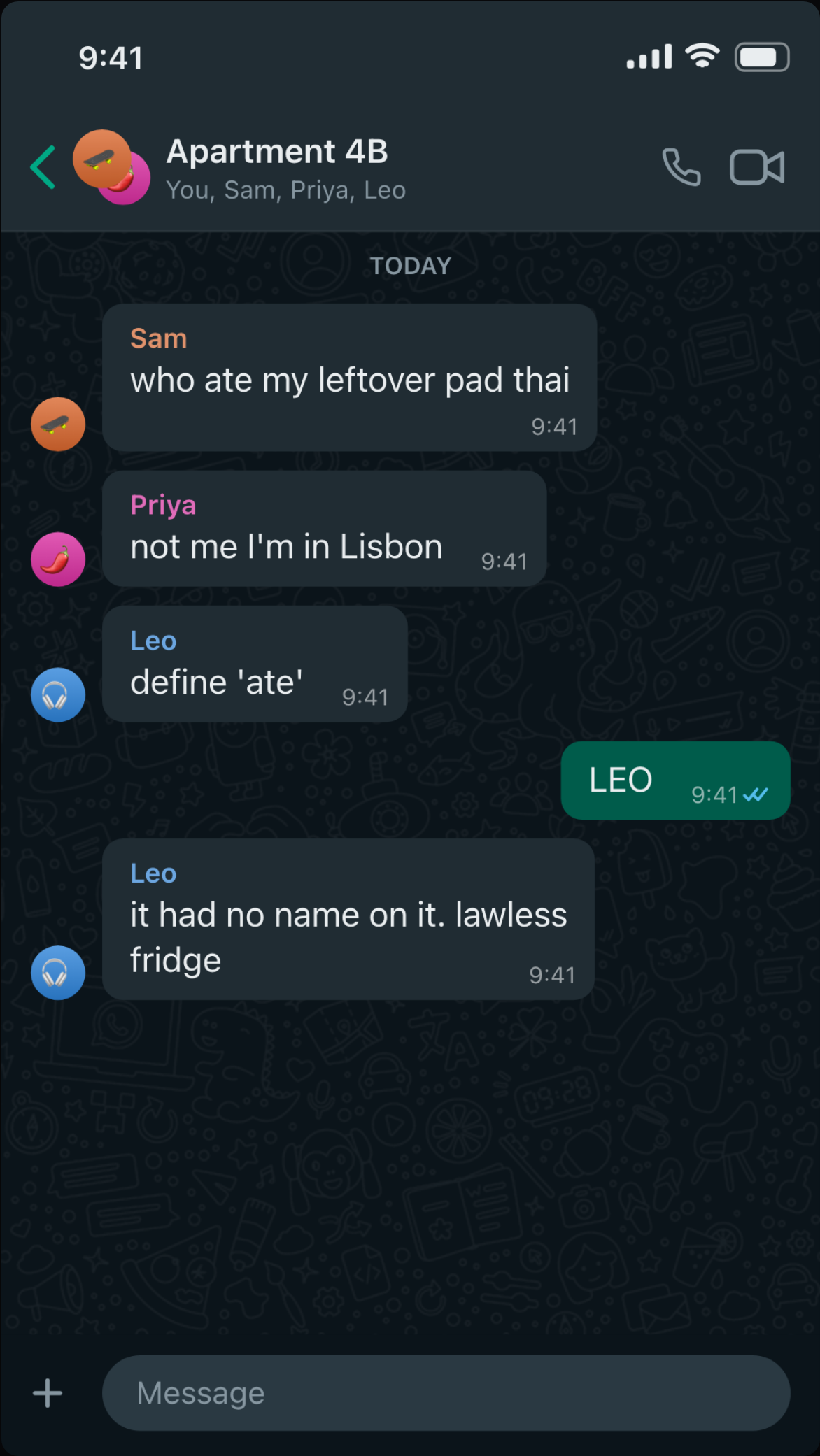
Group chats
Switch the conversation to a group to add named members with avatars. Incoming messages can come from any member, with sender names shown above bubbles the way each platform does it.